Give your agent a photo lab
Connect any MCP client to ID.PHOTOS and your agent can turn an ordinary photograph into a compliant ID photo for more than a hundred national standards — passports, visas, residence cards — with the measurements checked and the verdict returned in the same call.

Connect in one step
Point your MCP client at the endpoint and give it your account's credentials.
{
  "mcpServers": {
    "id-photos": {
      "url": "https://id.photos/mcp/server",
      "headers": {
        "X-Client-Id": "your-client-id",
        "X-Client-Secret": "your-client-secret"
      }
    }
  }
}
Credentials do not expire. Issue, rotate or revoke them from your account's API access page — or have your agent register itself, which is one request and needs nothing but your account email and password.
What your agent can do
| Tool | What it does | Cost |
|---|---|---|
list_standards | Every standard on offer, by country | Free |
get_standard_requirements | Size, head height and rules for one standard | Free |
process_photo | Photograph in, compliant photo and validation verdict out | Free |
regenerate_photo | Change the background, colour, size or framing of a photo you already made | Free |
get_session · list_sessions | Look back at what has been produced | Free |
download_photo | The finished image, ready to print or send | 1 credit |
send_photo_email | Email the photo straight to the customer | 1 credit |
get_account | Balance, plan and what things cost | Free |
A photo is charged once, at its first delivery, however many times it was processed or adjusted first — and downloading it again, next month or next year, is free.
Compliance is the product
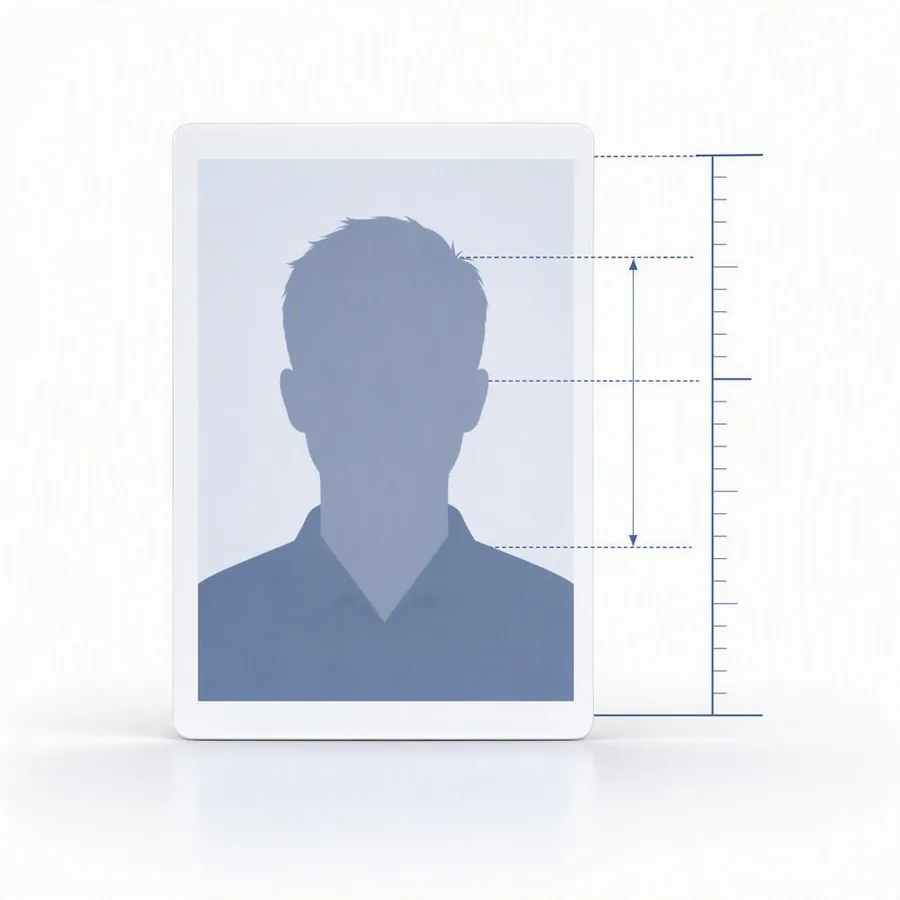
The head height, the eye line, the crop, the background, the print size — every standard defines them differently, and a photo that misses one is rejected at the counter. Each processed photo comes back with the measurements that were applied and a pass or fail against every rule, so your agent can tell the customer what is wrong before anyone pays for a print.
Adjustments — remove the background, black and white, nudge the subject larger or higher — re-render the same photo rather than making a new one, so trying three versions still costs one credit.

What it costs
Photos are paid for with credits, and credits are bought in advance — there is no per-call billing and nothing to meter.
| A photo | 1 credit |
| With the background removed | 1.5 credits |
| Processing, previewing, adjusting | Free |
Buy a credit pack when you need one, or take a monthly plan — Growth at $49.99 for 40 credits a month, Partner at $249 for 1,000. Both are managed from the business portal.
Getting started
- Create a business account Sign up at /business/signup. Accounts are reviewed before they can spend.
- Get credentials From the API access page in the portal, or have the agent register itself with one request.
-
Add credits
A credit pack or a monthly plan. Your agent can read the balance at any time with
get_account. - Connect and build The agent instructions carry the full tool reference, a worked example, and what every error means.